
In short
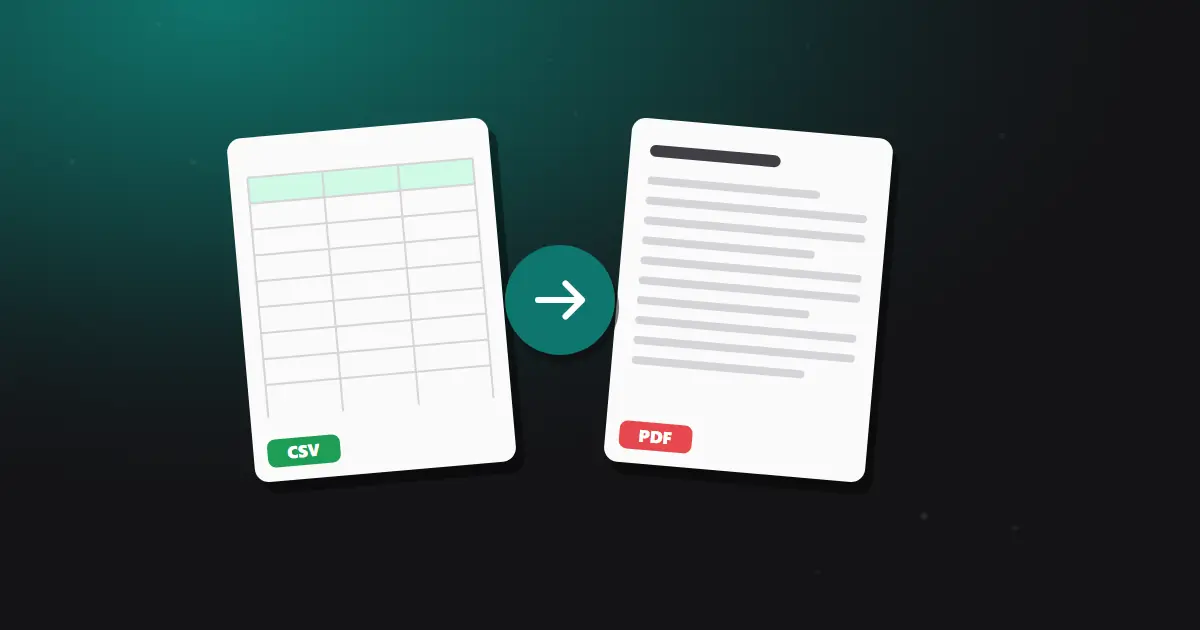
- Go to EditFlip’s Excel to PDF page, choose the .csv file, and it becomes a PDF table at once. There is nothing to set.
- Wide tables are shrunk to fit the page width, long ones run onto more pages, and no row is cut in half between two pages.
- Convert a CSV file to PDF free in your browser
A CSV file is just text. Each line is a row, and the values on it are separated by commas or semicolons. There are no columns, no widths, no lines. If you open it in a text editor and print it, you get a wall of commas. Even in a spreadsheet program, the columns are narrow and the numbers show up as hashes until you drag them wider.
Turning it into a PDF gives you a table that looks like a table. This guide shows how to do it in a few seconds, what the PDF will look like, what to check in the file before you convert, and what to do when the CSV is very wide or very long.
On EditFlip, step by step
- Step 1
Choose the CSV file
Go to editflip.com/excel-to-pdf and press Choose a spreadsheet, or drop the .csv file on the page. If the file came as an email attachment, save it to your device first.
- Step 2
Let it convert
There is nothing to set. The CSV is read as one sheet, the values are put into cells, and the table is written into a PDF on A4 pages with thin grey lines between the cells.
- Step 3
Check the pages in Preview
Open the preview and look at three things: that the columns are split where you expect, that names and accents look right, and that the last page ends with your last row.
- Step 4
Rename and download
The PDF takes the name of your file. Press the pencil to change it, then press Download, or Share on a phone that can share files.
What a CSV file is, and why it prints badly
CSV stands for comma-separated values. A line such as “Anna,London,42.50” is one row with three values. The program that opens the file decides what to do with them. Excel puts them in cells, a text editor shows them as they are.
Because there is no layout in the file, there is nothing to carry over to paper. Column widths, number formats and fonts do not exist in a CSV. That is also why every CSV looks the same once it is in a PDF: the PDF gives it a simple layout instead of a missing one.
What the PDF looks like
Each sheet is drawn as a table with thin grey lines and plain black text. Numbers sit on the right of their cells and text on the left. The text is real text, so you can select it, copy it and search it in the PDF.
The table takes the width each value needs, so a long address does not squeeze its neighbours. If the table is wider than the page, it is made smaller until it fits. If it is clearly wider than it is tall, the page is turned sideways. A long table simply continues on the next pages.
There are no settings for fonts, colours or column widths. If you need a header in a colour, a title above the table, or one column wider than the rest, open the CSV in a spreadsheet program, set it up, and save it as PDF from there.
Check the file before you convert
Open the CSV once and look at it. The PDF shows exactly what is in the file, so a few minutes of tidying beforehand saves a second conversion.
Delete columns nobody needs: internal ID numbers, notes, a column of blanks. Fewer columns means larger text on the page. Check that the first row holds the headings, because the table has no styling to mark them. Sort the rows in the order you want, since a PDF cannot be sorted afterwards.
If a column holds codes that begin with a zero, such as 00412 or a postcode, make sure it still does in the preview. If the zeros are gone, the file itself may have lost them when it was last opened and saved in a spreadsheet program.
If the file has a long text column, such as comments or descriptions, expect that column to be wide and the others to be squeezed. Shorten the text, or move that column to a file of its own, if the table must stay readable. Also look at the end of the file for empty rows: they print as blank lines and can leave a nearly empty last page.
Everything is in one column, or the accents are wrong
Two things go wrong with CSV files more than any others. The first is the separator. Some programs write commas, others write semicolons, and in many European countries semicolons are the usual choice because the comma is used for decimals. EditFlip reads the file and normally recognises the separator. If the preview still shows every row as one long cell, open the file in Excel with Data, then From Text/CSV, choose the right separator, save it as an .xlsx file and convert that one.
The second is characters. The file is read as UTF-8, which is the standard for text. A CSV saved in an older encoding can show letters such as é, ă or ö as strange symbols. In a text editor such as Notepad, use Save As and choose UTF-8 as the encoding, then convert the new file.
Dates are shown as they are written in the file, so a date in the wrong order in the CSV will be wrong in the PDF too. Fix the source, not the PDF.
Wide files, long files, huge files
A CSV with thirty columns will not be easy to read on one page, however it is fitted. Shrinking has a limit, and text that is tiny on paper is tiny on screen as well. Split the file by deleting half the columns, convert both halves, and merge the PDFs if you want one file again.
A CSV with ten thousand rows makes a PDF of many pages. That is fine for an archive or a printout, but think about who will read it. A summary is often more useful than all the lines. The size limit for a file on EditFlip is 100 MB.
If the finished PDF is heavy, the Compress tile on the result helps a little, though a PDF of text is rarely large. Page numbers are worth adding on a long table so that pages stay in order if someone drops them.
On a phone
The page works in the browser of an iPhone or an Android phone. Press Choose a spreadsheet and pick the CSV from Files, Drive or your downloads. An attachment from an email has to be saved to the phone first. The PDF is made on the phone, and Share sends it straight to email or WhatsApp.
A big CSV takes longer on a phone than on a computer, because the phone does all the work. Keep the page open until the preview appears.
Is it safe?
CSV exports often hold customer lists, orders or bank lines. The conversion runs in your browser, on your own device. The file is not uploaded, and there is no account to sign in to. The CSV itself is not changed, and the PDF stays on your device until you download or share it.
If the PDF is going to someone you do not fully trust with the data, add a password to it with the Add password tile on the result.
Choose the CSV, check the preview, and download a PDF table that fits the page. Free, no account, and the file stays on your device. For colours or custom widths, set them up in a spreadsheet first.
Convert a CSV file to PDF on EditFlip →Questions
How do I convert a CSV file to PDF for free?
Open EditFlip’s Excel to PDF page, choose the .csv file, check the preview and press Download. It is free and needs no account.
Can I do it without Excel?
Yes. The CSV is read in your browser, so no spreadsheet program is needed.
Why is everything in one column in the preview?
The file probably uses a separator that was not recognised. Open it in Excel with Data and From Text/CSV, pick the right separator, save as .xlsx and convert that.
Why do accents look wrong?
The CSV was likely saved in an older encoding. Re-save it as UTF-8 from a text editor, then convert again.
Will wide columns be cut off?
No. A table wider than the page is made smaller to fit the width, and a very wide one gets a page turned sideways.
Can I choose fonts, colours or column widths?
No. Every table is drawn in the same plain style. For custom styling, set it up in a spreadsheet and save as PDF from there.
Can I select and copy the text in the PDF?
Yes. It is real text, so it can be selected, copied and searched.
Is my CSV uploaded anywhere?
No. The conversion happens in your browser, on your device.